How to easily create a fully functional navbar
In this tutorial, you'll learn how to create a fully functional navbar with Pluxbox. You’ll begin by building a header and navbar, complete with icons, logos, and text.
You will learn:
- How to create reusable tab components
- How to implement click events,
- How to load views dynamically as you navigate between tabs
- build powerful logic using our dynamic settings panel
By the end of this video, you’ll have a fully interactive navbar that reacts to clicks and updates in real-time, making it the perfect addition to any Pluxbox project!
Do you need more information? Go to Pluxbox Documentation
Share this tutorial
Back to overviewNever stop learning
 10:16
10:16
Building your first application
Kick-start your Pluxbox journey by creating an application, from UI design to logic building.
 03:52
03:52
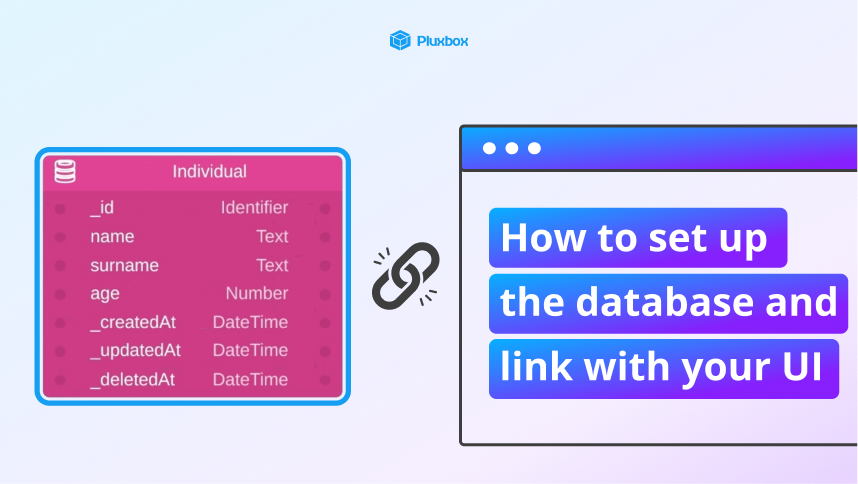
How to set up a database and link with your UI
Learn how to create a data collection and display data dynamically using logic blocks.
 03:41
03:41
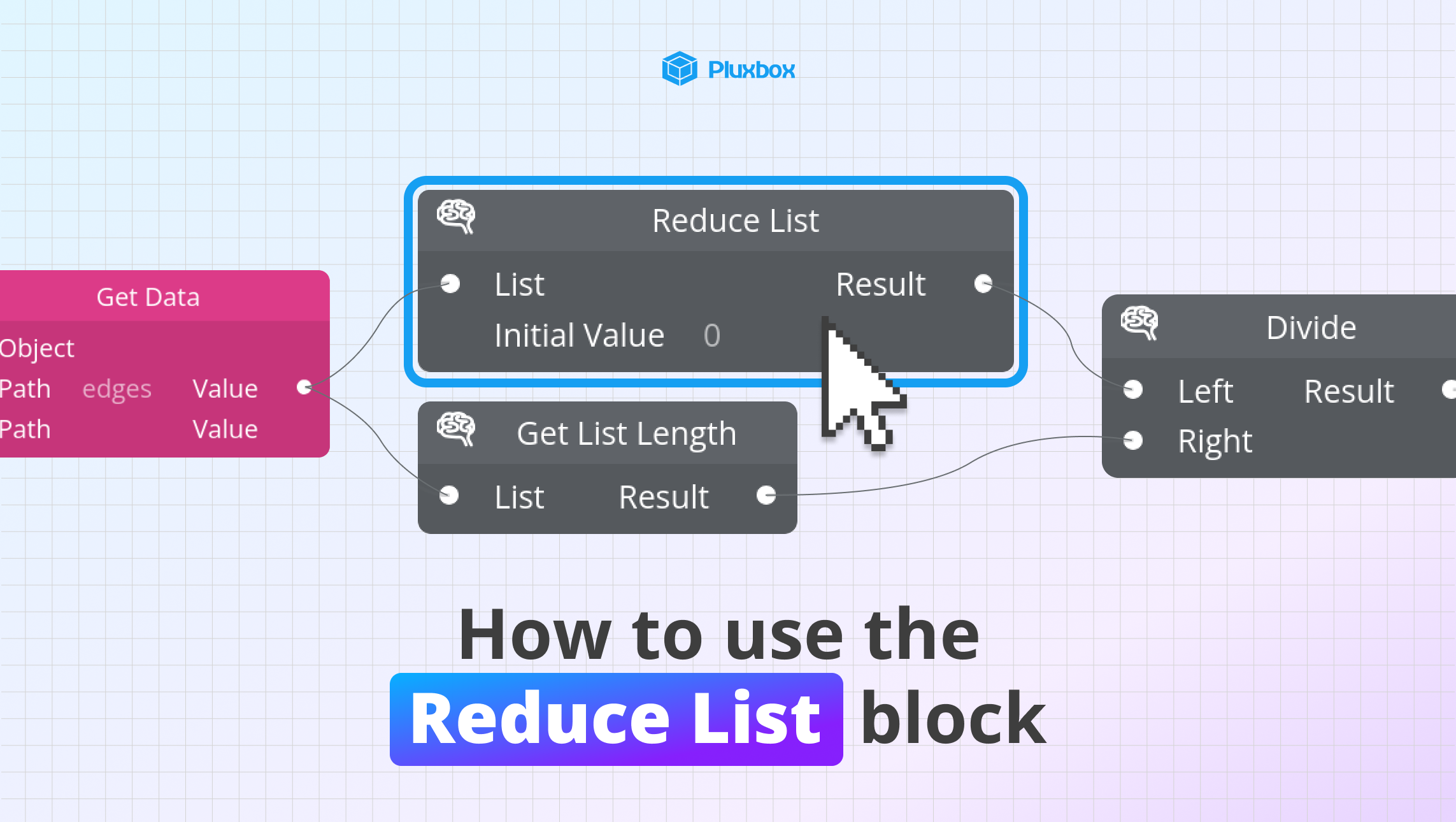
How to use the reduce list block
Learn how to perform aggregate operations on lists using the reduce list block.
